Dog Walk Safety: Why Live Route Tracking Matters
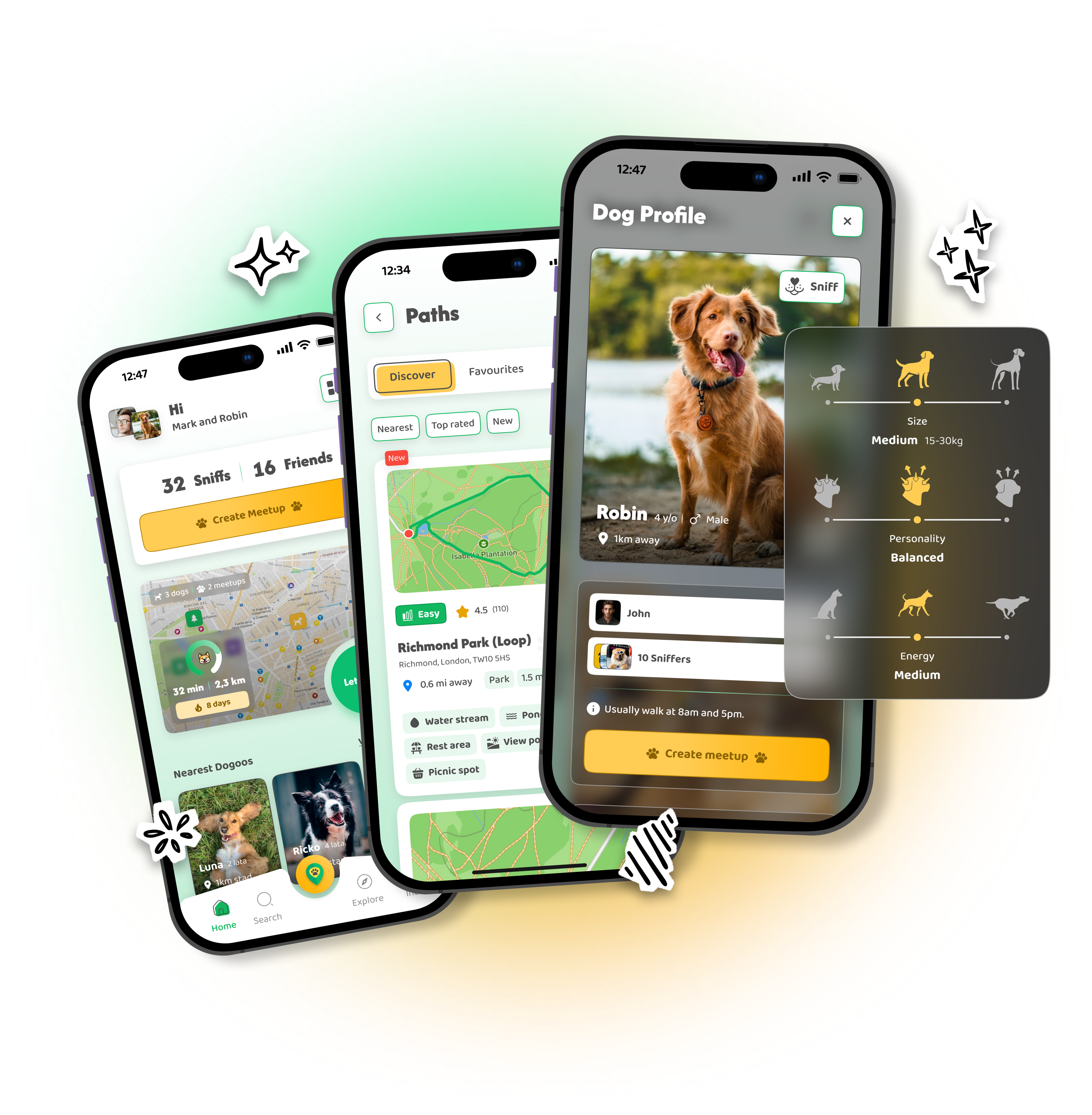
Live route tracking on a dog walk does two concrete things: someone close to you knows where you are right now, and you have a route record if something goes wrong. That matters most for solo walks, remote trails, and walks after dark. In DOGOUT, Live Walk Mode shows your position on the map in real time according to privacy settings you control - the rest, the basic safety habits for the trail, are worth knowing no matter which app you use.
A twisted ankle on a forest path. A dog that vanishes behind a bush for longer than it should. A phone with no signal on a trail you don't know well. None of these happen often, but when they do, what matters is whether anyone knows where you are. That's the whole point of live route tracking: not the gadget itself, but the simple question underneath it - would someone know where to start looking for you?
Why this matters specifically with a dog
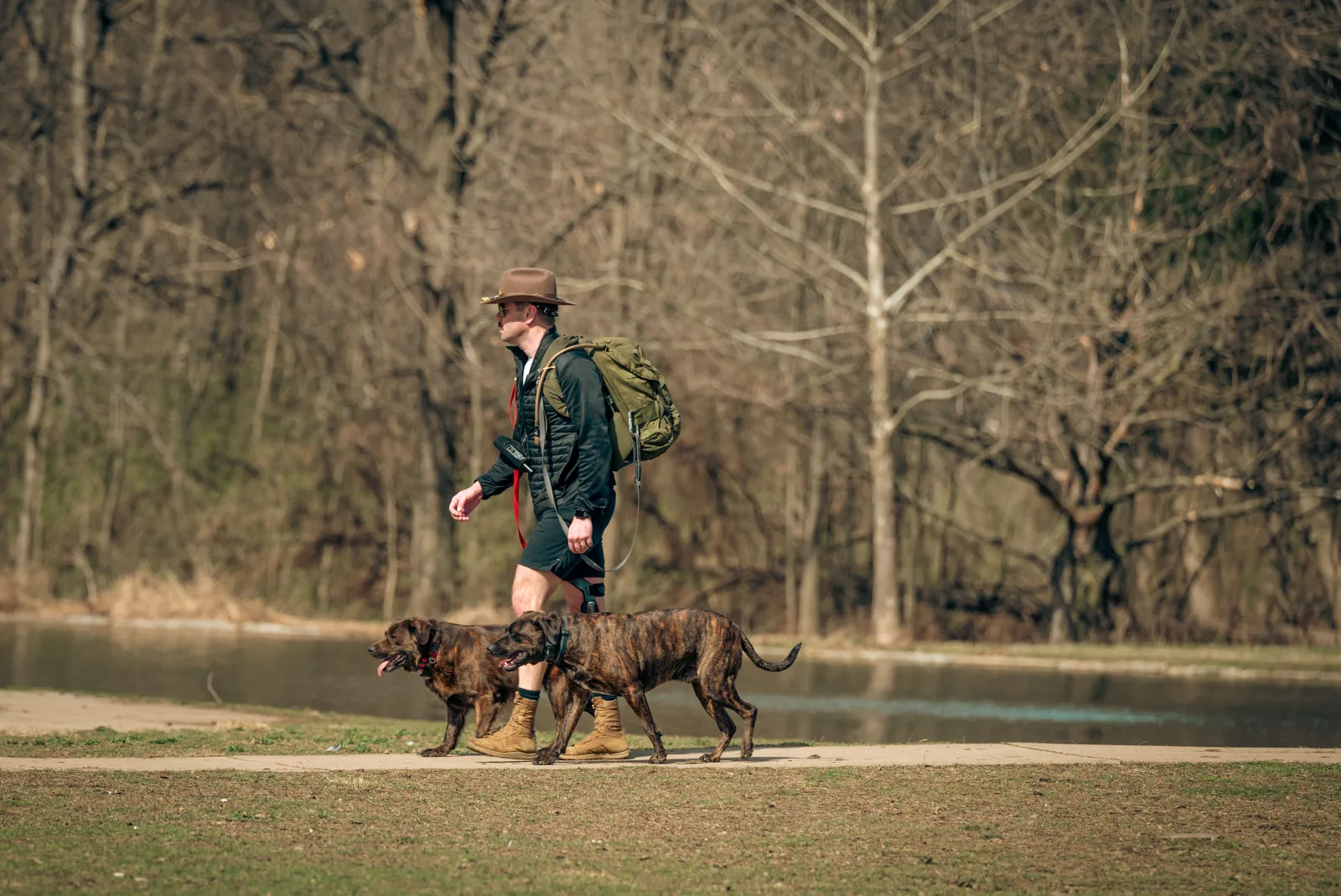
Walking a dog differs from an ordinary walk in one way: you often do it alone, on a regular schedule, at every hour of the day, including the ones when everyone else is already home. An evening walk before bed, an early lap before work, a longer weekend walk in the woods - these are exactly the situations where you're more often alone with your dog than with company. This isn't about catastrophising - most walks end without incident. It's that the cost of having no safeguard in the one case out of a hundred that goes wrong is high, while the cost of having one is close to zero.
The risks that actually happen aren't muggings or wildlife attacks - they're mundane: an injury (a twisted leg, a fall on slick ground), getting lost on an unmarked trail, a dog that bolts and needs to be found somewhere unfamiliar, or simply feeling unwell. In every one of these scenarios, how fast anyone can respond comes down to one thing: whether they know where to start looking.
Some groups feel this more acutely than others. People walking a dog alone in the evening, older owners on quieter, more remote routes, and anyone new to a city who doesn't yet know which paths are genuinely safe - for these groups, "someone knows where I am" isn't a gadget, it's the real peace of mind that makes going out for a longer walk feel possible instead of something to avoid.
How live route tracking works
A live tracking feature in a walking app shows your position on the map in real time, not after the fact but during the walk itself. In DOGOUT this is Live Walk Mode: you start a walk with one button, and your position is visible on the map according to privacy settings you control. Depending on the visibility you choose, others can join you mid-walk too, which is itself an added layer of safety - the case for walking company is covered in more depth in how to find a dog walking buddy.
It's worth distinguishing this from a route saved after a walk ends. Walk history - automatic route and time logging - is useful for something different: building a library of routes you trust, tracking how much you're actually walking in a week, sharing a good route with other owners. Real-time safety is a feature that works while the walk is happening, not after.
Who can see your position, and why that matters
You choose your visibility for a walk in DOGOUT: public, friends only, or private. That distinction isn't a formality. Public visibility makes sense when you want someone to be able to join you spontaneously. Friends-only makes sense when safety matters to you but you'd rather strangers not know exactly where you are right now. Before turning on live tracking in any app, not just DOGOUT, it's worth reviewing those settings once, deliberately, instead of leaving the defaults in place.
Limits worth knowing about
Live tracking needs an internet connection - in deep forest, in the mountains, or anywhere without mobile signal, position sharing can drop out or stop working entirely. That's not a flaw in a given app, it's a physical limit of the technology. In those areas it's worth having a backup: tell someone out loud where you're going and roughly when you'll be back before you walk into a dead zone.
Battery life is a second limit. A long walk with GPS and the map running can drain a phone fast, especially in winter when cold weather already shortens battery life on its own. On longer, more remote routes, start with a full charge or a power bank, not 20 percent "just in case."
Position accuracy is a third limit few people think about. A phone's GPS can be off by a dozen metres, sometimes more, especially between tall buildings or under thick tree cover. That's enough to place you in the right general area, but it won't substitute for actually knowing a specific landmark - which is why it's worth pairing the technology with ordinary trail awareness, rather than relying on the blue dot alone.
Comparison table - risk and what actually helps
| Situation | Risk | What helps |
|---|---|---|
| Injury on the trail | Can't continue, nobody knows where you are | Live tracking + telling someone before you leave |
| Getting lost on an unfamiliar trail | Hard to judge the way back | Route history, offline maps, knowing landmarks |
| Dog bolts and runs off | Searching unfamiliar ground takes longer | Leash on unfamiliar terrain, an up-to-date ID tag |
| No signal in a forest or mountains | Live tracking drops out | Telling someone your route and return time out loud |
| Dead phone | No way to reach anyone if needed | Full charge or power bank on longer routes |
Warnings from other owners - a second layer of safety
Route tracking protects you. Warnings on the map protect everyone who walks the same route after you. Poison left in a park, contaminated water in a pond, more wildlife activity than usual on a trail - this information only has value if someone reports it before another dog runs into the same hazard. In DOGOUT, community-added warnings sit on the same map you use to plan a walk - the least flashy feature in the app, and one of the most genuinely useful, because it only works if everyone reports what they actually see.
Basic safety habits for a solo walk
Technology is one layer of protection, not the only one. A few habits that cost nothing and genuinely lower risk:
- Tell someone where you're going. Even a short message - "walking the woods by X, back in an hour" - is enough of a backstop if you lose signal.
- Avoid completely remote, unmarked terrain after dark. This isn't about avoiding nature - it's about picking routes other people also know and sometimes use.
- Keep your phone charged. Obvious, and still the most commonly skipped part of getting ready for a walk.
- Keep your dog on a leash on unfamiliar ground. A dog that disappears into an unfamiliar forest is much harder to find than one that disappears in a city park you know by heart.
- Bring water, for yourself and your dog. Dehydration on a long, hot walk dulls reaction time and judgement, in people and in dogs alike.
Seasonal risks like ticks are a separate safety topic worth knowing before a longer walk in the countryside - covered in ticks on dogs.
Safety that doesn't shrink the walk
The point of live route tracking isn't to talk you out of solo walks - they're a normal, frequent part of life with a dog, and there's no reason to give them up. The point is to make an already-low risk even lower, for the cost of one tap at the start of a walk. Everything else - a charged phone, telling someone, knowing the terrain - are habits that work no matter which app you use.
Safety as a reason to walk more, not less
It's an easy trap to think that because a solo walk carries some risk, the safer move is to walk less often or for less time. That's the opposite of what actually works. A dog that regularly gets longer, varied walks is calmer and copes better with the unexpected than one walked rarely and only around the block. Safeguards - live tracking, telling someone, knowing the terrain - exist so you can walk further and more often with real peace of mind, not so you cut walks down out of caution.
Open the DOGOUT map, start Live Walk Mode, and head out with confidence - with privacy settings you chose yourself, and the certainty that if something happens, someone knows where to start looking.
Frequently asked questions
- Why does live tracking matter specifically for a dog walk?
- Because if something happens - a fall, an injury, getting lost on unfamiliar ground - someone close to you knows your last known position instead of guessing. It doesn't remove the risk itself, but it drastically cuts the time it takes for help to arrive if you need it.
- Does live tracking work without mobile signal?
- No - real-time position sharing needs an internet connection. In areas with no signal (deep forest, mountains), it's worth telling someone your planned route and rough return time out loud beforehand, as a backup.
- Who can see my position during a walk in DOGOUT?
- It depends on the privacy settings you choose - a walk can be public, visible only to friends, or fully private. Before using live tracking in any app, it's worth checking those settings once, deliberately.
- What are the basic safety rules for walking a dog alone?
- Tell someone your route and expected return time, avoid completely remote, unmarked terrain after dark, keep your phone charged, and on unfamiliar ground keep your dog on a leash - an unexpected situation with an off-leash dog in a remote spot is harder to manage than the same thing in a city park.
- Is route history useful outside of emergencies?
- Yes - walk history lets you return to a route you know works, see how much you're actually walking in a week, and share a good route with other owners. Safety is one use of route tracking, not the only one.